Plan by the step
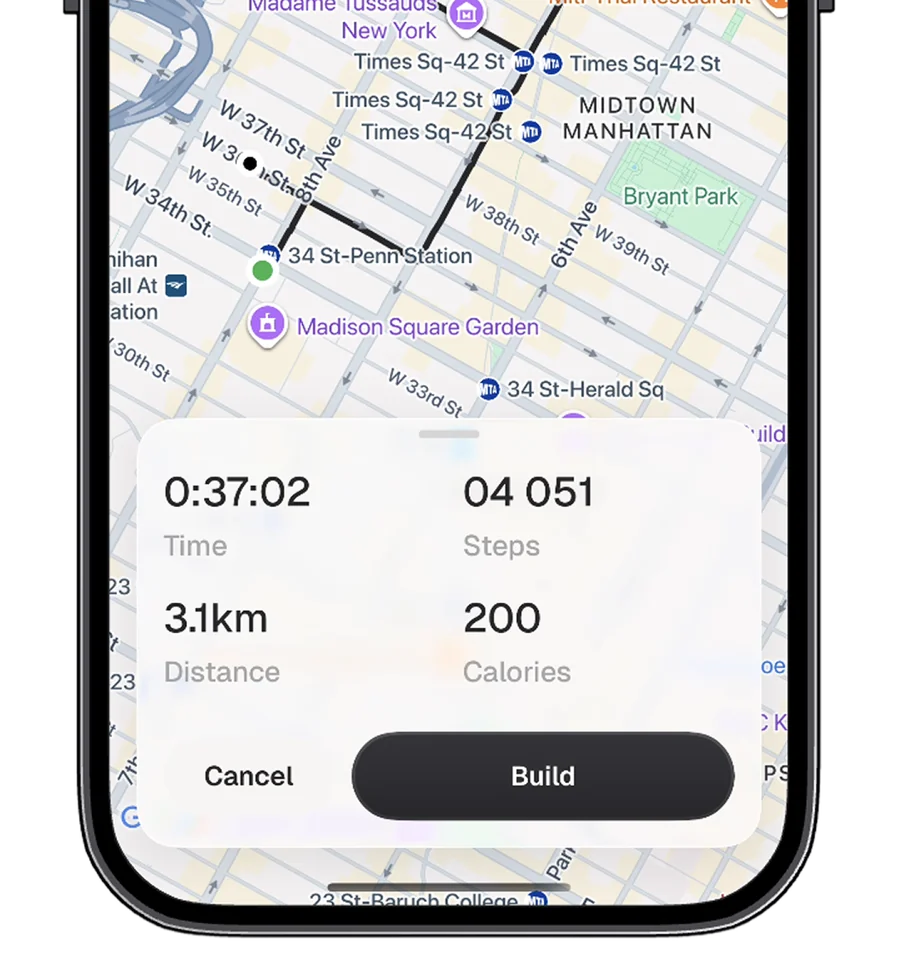
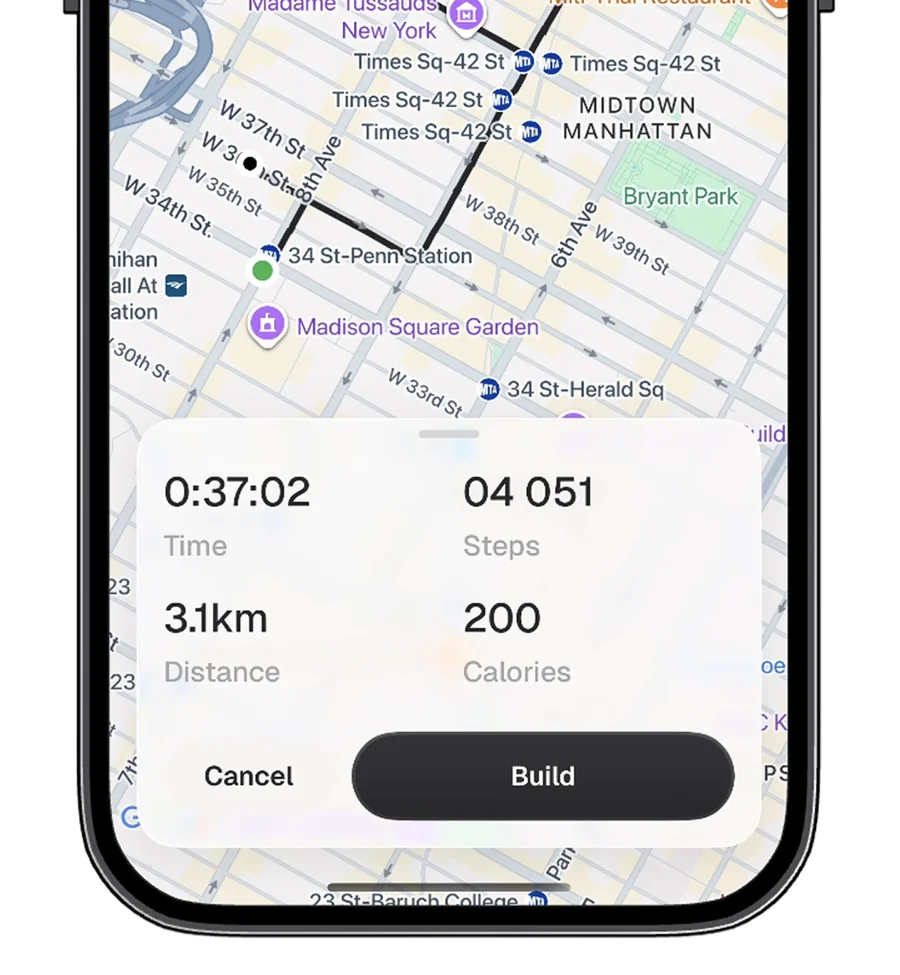
Tap the map to drop waypoints. Routes follow real walking paths and the numbers update with every point.
 Stepper
Download on App StoreDownload
Stepper
Download on App StoreDownload
Draw a walking route on the map, see how many steps it takes, then walk it with live tracking.
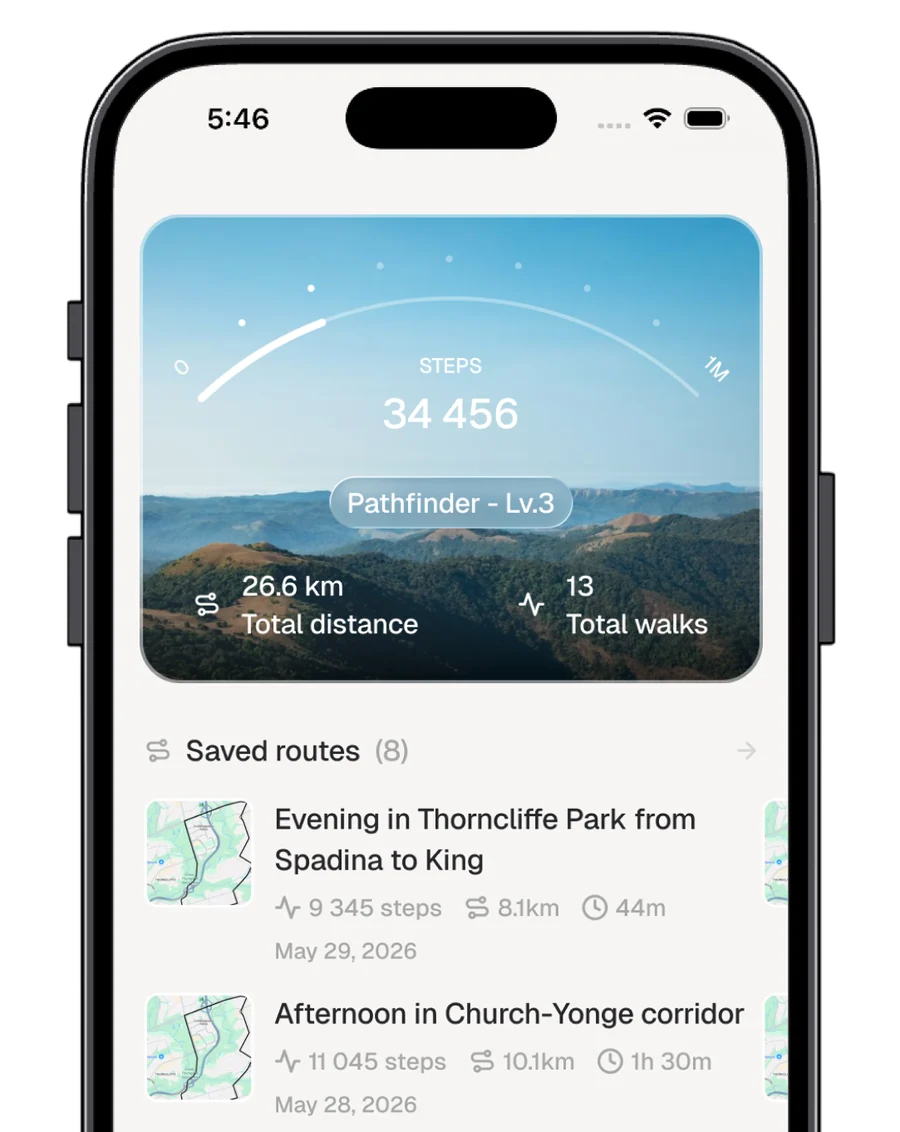
Everything you need to plan a walk, take it and remember it. Nothing you don't.
Tap the map to drop waypoints. Routes follow real walking paths and the numbers update with every point.
Your iPhone counts the steps you really take. Pause for a coffee and pick up right where you stopped.
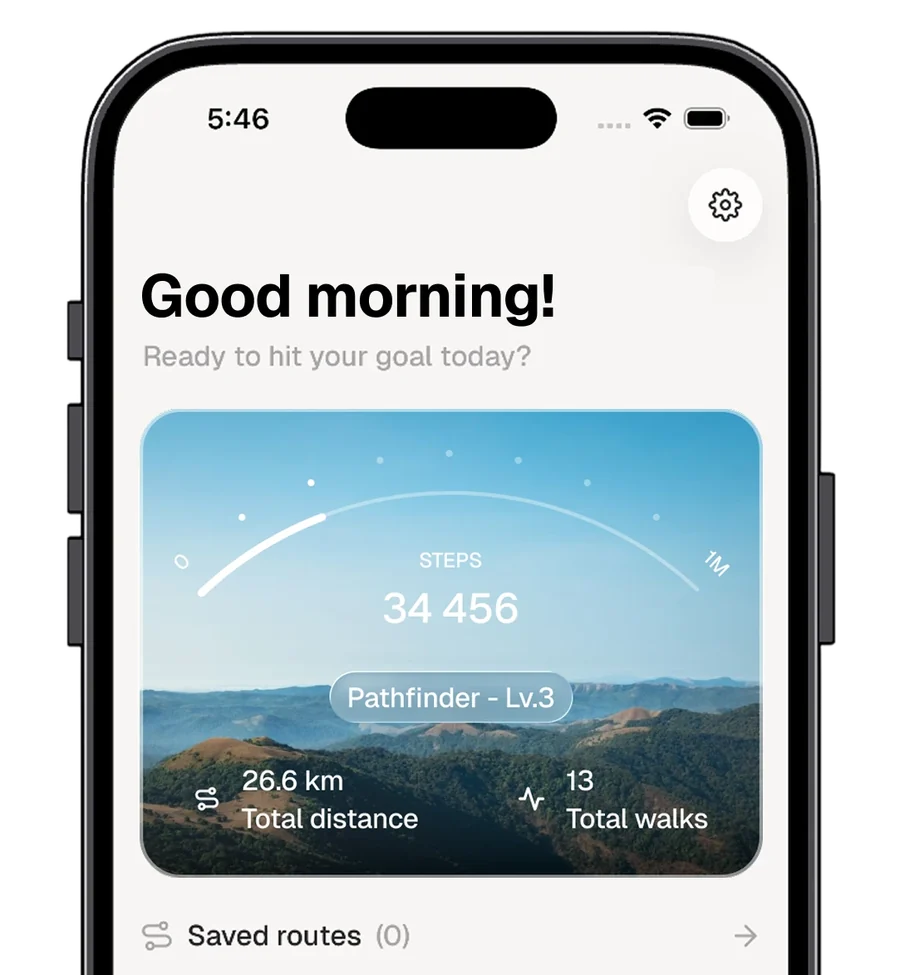
Lifetime steps fill the rank arc on your profile, from First Steps all the way to Legend.
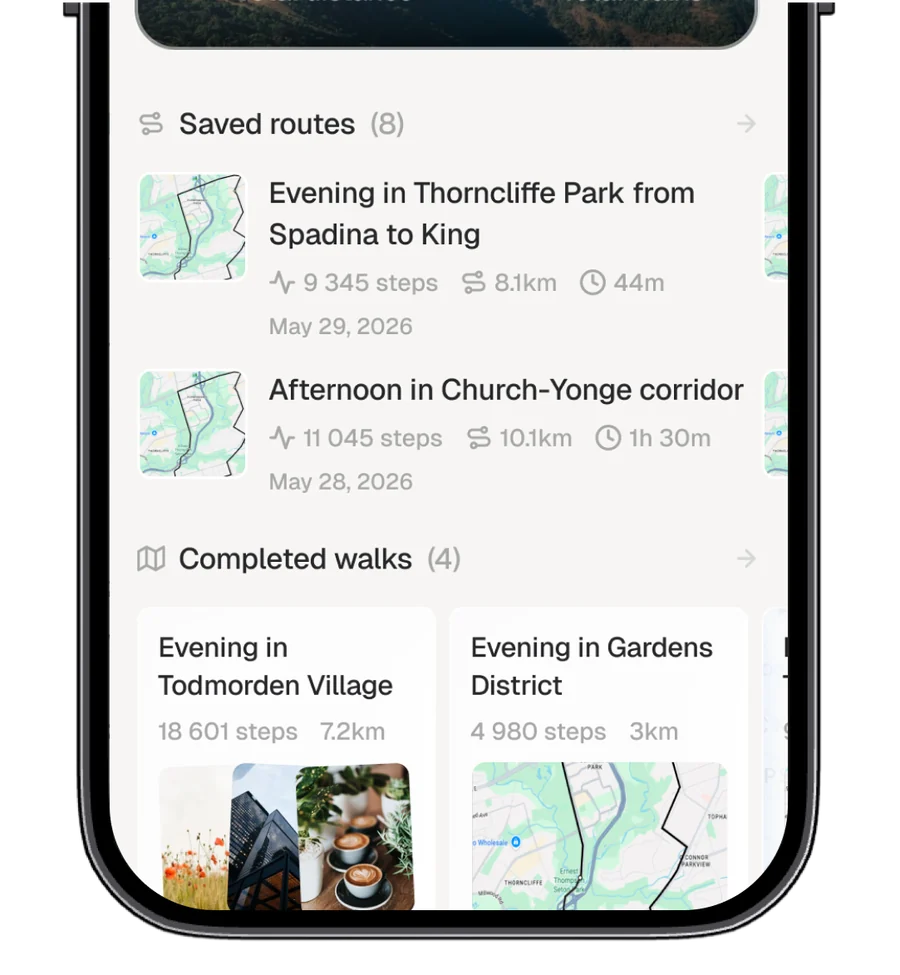
Keep the routes you love and every walk you finish, with up to three photos from along the way.
Pedestrian directions, not straight lines between pins.
Stray far from the plan and Stepper redraws the way.
Turn any route into a loop that ends where it began.
No sign-up, no setup. Open the app and your first route is a few taps away.
Tap the map to place points. Steps, distance and time add up as you go.
Start the walk. Pause whenever you need, finish when you are done.
Name the walk, add photos, and keep the route for another day.
Nine ranks, one million steps. Your lifetime total fills the arc on your profile.
Routes and walks save on your iPhone. Signed into iCloud? They sync across your Apple devices through your own private storage.
Open the app and plan a walk. There is nothing to register.
Your routes live in your personal iCloud, which we have no way to read.
No advertising and no third-party analytics. Nothing is sold or shared.
No. Stepper works right away, with no sign-up. If you're signed into iCloud on your iPhone, your routes and walks sync automatically.
While you plan, it divides the route's walking distance by an average stride of 0.762 m. During a walk, the count comes from your iPhone's motion sensor, so it reflects the steps you really take.
Yes. Everything saves on your device first, and syncing starts on its own whenever iCloud becomes available.
Yes. Save any route and start it again from your profile whenever you like.
Location, to show you on the map and follow your walk. Motion & Fitness, to count steps. Photos, only when you choose pictures to add to a walk.
Download Stepper for iPhone and plan today's walk.
Download on the App Store